

How I Use Notion for Substack
On a tour through the organisational brain that keeps my Substack (and life) from descending into chaos…

Ever since I started writing on Substack, I’ve used Notion religiously. Besides Google Calendar, it’s what keeps me sane and productive while juggling full time work and this newsletter. I’ve used Notion on and off for years. Picking it up for university projects, abandoning it for simpler systems — then inevitably returning when those simpler systems proved too simple. After trying various methods (spreadsheets, physical notebooks etc) Notion remains the most effective way for me to track what I need and want to write.
Notion is, as everyone who does Notion tours inevitably says, one big external brain. You can dump basically anything into it and link everything to everything else. I’ve created a system that lets me move seamlessly from the initial stage of reading a novel, through research, and finally to execution without losing track of ideas or having to hunt through twelve different places for a quote I highlighted three months ago. The aim was to click as few tabs as possible and I have no reached that flow state here on my notion.
My Notion isn’t particularly complicated. It’s relatively simple actually, but it works for how my brain operates and how my writing process unfolds. I haven’t seen many people share how they organise their writing, reading etc so I thought I’d share how I do it!
An Overview
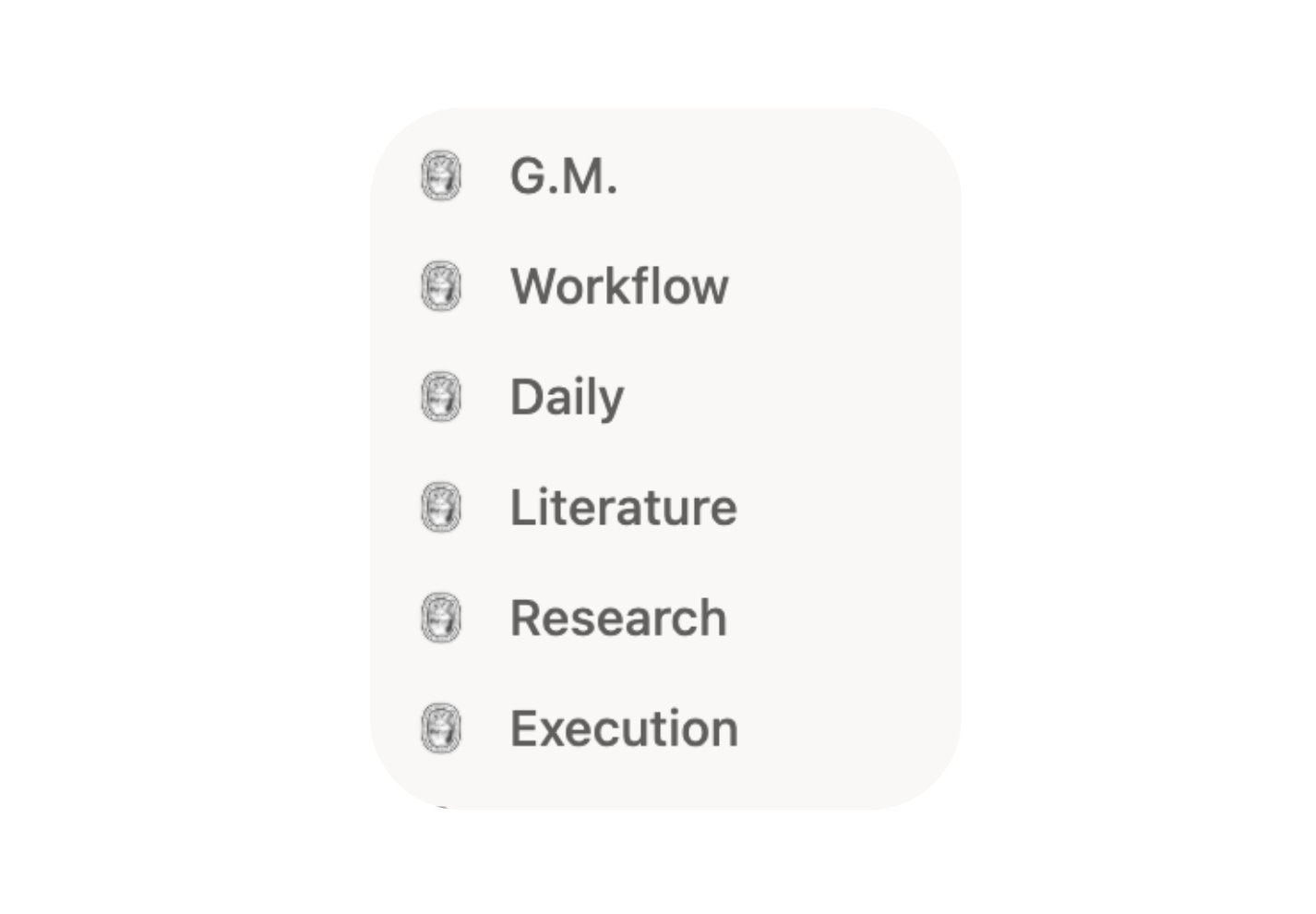
G.M. — My home page where everything begins although nothing really exists besides a motivation quote!
Workflow — A master to-do list for tracking all projects
Daily — Where I plan weekly meals, outfits, general life admin (we’ll skip that one today)
Literature — All things books: TBR, quotes, reading tracking
Research — Deep dives into topics I’m currently obsessed with
Execution — My Substack and social media hub
I also have:
Notes — Phone widget for quick thoughts so I stop using my Notes app
Archive — Old projects, completed work, things I might reference later (tip: never delete anything!)
Notice the structure here mirrors an actual workflow: reading (where possible articles begin), then research (where I develop ideas), then execution (where I actually write). I wanted my Notion to reflect a successful creative process where I could move naturally from one stage to the next. “Execution” probably sounds a bit intense, but I genuinely couldn’t think of a better word and it does capture that sense of finally getting the thing done.
